Trimming surfaces by a polygon
Use the Trim Surfaces by Polygon tool to modify polyline sets by removing all nodes inside or outside a polygon. Other removal options related to handling large segments or single nodes are available as well.
You can verify whether a polyline is closed via the Polyline form (right-mouse click on a polyline set in the JewelExplorer or in a view and select Edit... ). On the form a checkbox next to the polyline's Id marks whether it is closed, or not.
- At the top of the form, select a source from the 'Source' drop-down list. This selection populates the table below.
- From the list of the available polyline sets in the model, select the polyline set(s) to modify by checking the individual check boxes.
- Select the polygon to use for trimming from the Polygon for Trimming drop-down list.
- Under Remove Section, choose between removing the nodes inside or outside of the selected polygon.
- Click OK to remove all the nodes which are inside or outside the polygon.
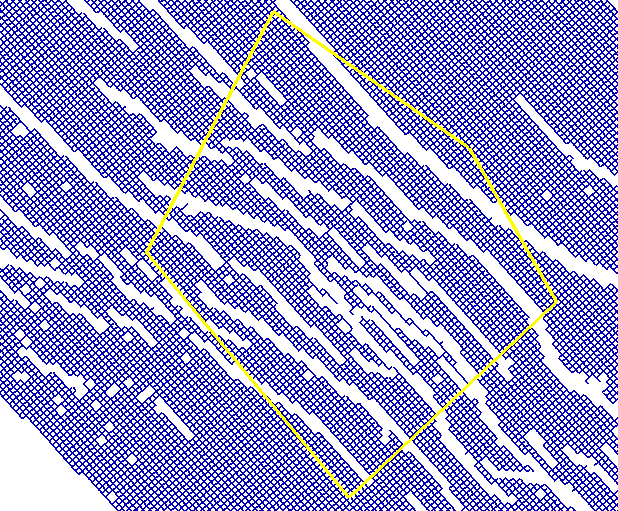
Initial situation click to enlarge
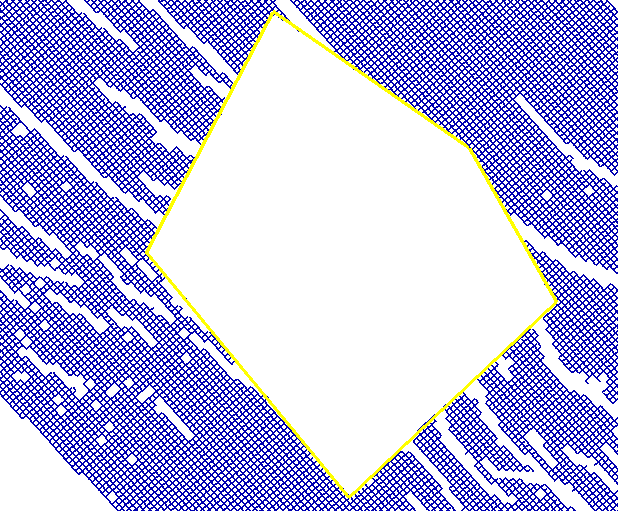
Delete inside click to enlarge
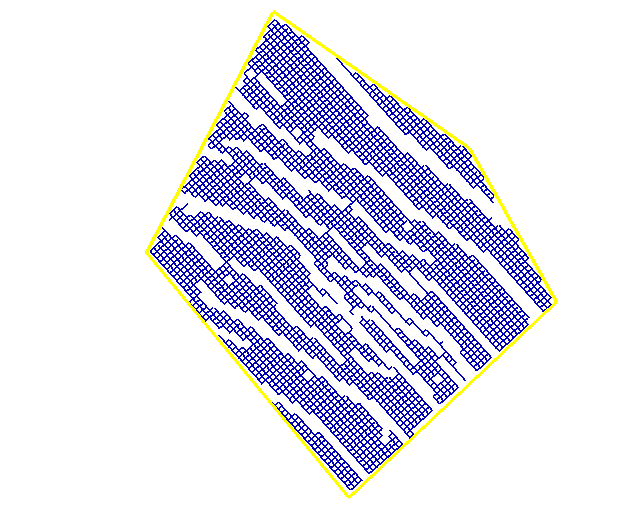
Delete outside click to enlarge